Self-order kiosk, AI receptionist and CRM in Miami
Four products, each set up in one visit. Book a 10-minute demo to see one working.
Self-order kiosk
PilotFor: Cafés, bubble tea, bakeries, waiting rooms.
What you get
- Self-order screen in EN/ES/RU, menu with photos set up in one visit
- Orders straight to a kitchen screen
- Payment on the kiosk, money to your account
- Review stand included
- Weekly report: orders, average ticket, reviews
- One-visit install, 10-minute swap, in-person support
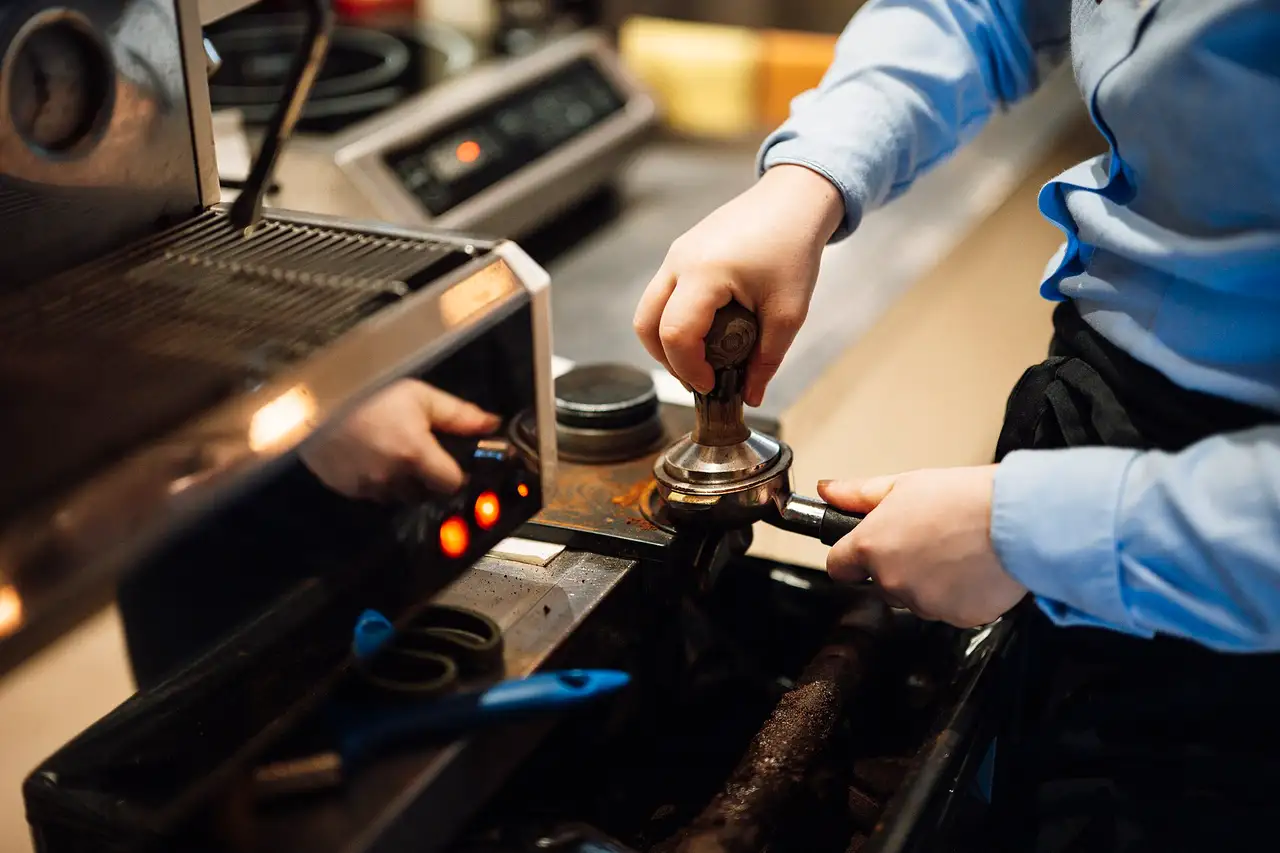
The line moves without a second cashier.

How we install it
- 1We photograph your menu and load it with photos.
- 2We set up the kiosk, the kitchen screen and the review stand.
- 3We show your staff and take the first orders with them.
Questions
Do I need a new register?
No. The kiosk works next to the register you have.
Which languages does it speak?
English, Spanish and Russian. Guests pick one on the first screen.
Who loads the menu?
We do, with photos, in the same visit as the install.
What if it breaks?
We swap it in about 10 minutes and come in person.
Niktrix Pay
Coming soonFor: Detailing, mobile services, salons, anyone paid in person.
What you get
- Tap to Pay on your phone, no terminal
- Zelle, ACH and cash on one receipt
- No card fee when a customer pays by Zelle or ACH
- Review request after every payment
- Customer saved to CRM with history and next visit
- “What you’ll receive” screen before charging
More of every dollar stays with you.
How we install it
- 1We set up the app on your phone.
- 2We connect your account and the ways you get paid.
- 3We run a test payment with you.
Questions
Do I need a card terminal?
No. The customer taps their card on your phone.
Which payments does it take?
Cards with Tap to Pay, Zelle, ACH and cash, all on one receipt.
What happens after a payment?
The customer gets a review request, and the visit is saved in your CRM.
When can I get it?
It is not available yet, and we don’t give a date. Book a demo and we’ll call you first.
CRM + AI receptionist
PilotFor: Auto repair, tires, HVAC, plumbers, clinics, salons.
What you get
- AI answers calls 24/7 in EN/ES/RU, books and takes messages
- Missed call → text to the customer + lead to you
- CRM: who called, who’s booked, who hasn’t come back
- Appointment reminders and “time to come back”
- Review request after every visit, review stand included
- Weekly report: calls, missed, bookings, rating
Your phone is always answered, no receptionist salary.

How we install it
- 1We connect your business number and set greetings in EN/ES/RU.
- 2We load your services, hours and how you book.
- 3We place the review stand and test calls with you.
Questions
Which languages does the AI answer in?
English, Spanish and Russian.
What happens when a call is missed?
The customer gets a text, and you get the lead.
Can it book appointments?
Yes. It books, then sends reminders before the visit.
What do I see each week?
One report: calls, missed calls, bookings and your rating.
Custom AI automation
For: Businesses whose tools aren’t connected.
What you get
- Booking → calendar → SMS confirmation
- Payment → review request
- New review → draft reply in your voice
- Website form → CRM → call to you
- One weekly report from all sources
- One build, then support only
Routine runs itself, you watch one number a week.
How we install it
- 1We map the tools you already use.
- 2We build the connections between them.
- 3We test each one with you, then support it.
Questions
Which tools can you connect?
Booking, calendar, payments, reviews and your website form. We look first and tell you what fits.
Do I pay every month?
We build it once. After that, you pay only for support.
Who replies to reviews?
The automation writes a draft in your voice. You decide what gets posted.
How do I see what it does?
One weekly report from all your sources.
Monthly plans
ProPilot
$79 a month
+ $99 setup
For salons, barbers, detailing, mobile services.
Includes: customer CRM without limits · missed call → text to the customer and a lead to you · review request after every visit · appointment reminders and “time to come back” · online booking page · review stand included · weekly report
MaxPilot
$249 a month
+ $500 setup
For auto repair, tires, HVAC, plumbers, clinics.
Everything in Pro plus: AI receptionist 24/7 in English, Spanish and Russian that answers, books and takes messages · AI replies to Google reviews with your approval · self check-in by QR · priority in-person support
No contract, cancel with 30 days notice.
Not in a plan: the self-order kiosk, which is hardware quoted on its own (above), and Niktrix Pay (Coming soon).
For your business
Auto repair & tires
The phone rings while you’re under a car.
Salons & barbers
Booking calls come in the middle of a cut.
Cafés & bakeries
The line at the counter walks out the door.
Detailing & mobile
A new customer calls while you’re on a job across town.
Clinics & med spas
The front desk is busy and callers hang up.
Book a 10-minute demo
Leave your number. We call back the same day.